


Pros
- ✔premium high-quality materials
- ✔good grip
- ✔software support from the manufacturer
- ✔versatility: PC; Switch and Analogue 3D
- ✔joystick calibration available
Cons
- ✘design differs from the original N64 controller
- ✘visually inconsistent with Analogue 3D’s design language
- ✘not distinctive enough as an Analogue 3D controller
- ✘unsigned and immature configuration software
What the community had been waiting for finally happened: the Analogue 3D console has entered the shipping phase after four delays throughout 2025.
More than a year after preorders opened, the console that recreates the Nintendo 64 at a 2025 standard — complete with 4K video output — has begun shipping.
But until it reaches us as well, we’re not talking about the console just yet — instead, we’re looking at the official controller recommended for Analogue 3D.
Analogue & 8BitDo – the usual collaboration
Analogue is a company known for producing premium iterations of retro consoles, but — as with this case — they don’t manufacture the necessary accessories.
Instead, they once again turned to their traditional partner used for previous consoles: 8BitDo, known for their high-quality controllers and adapters.
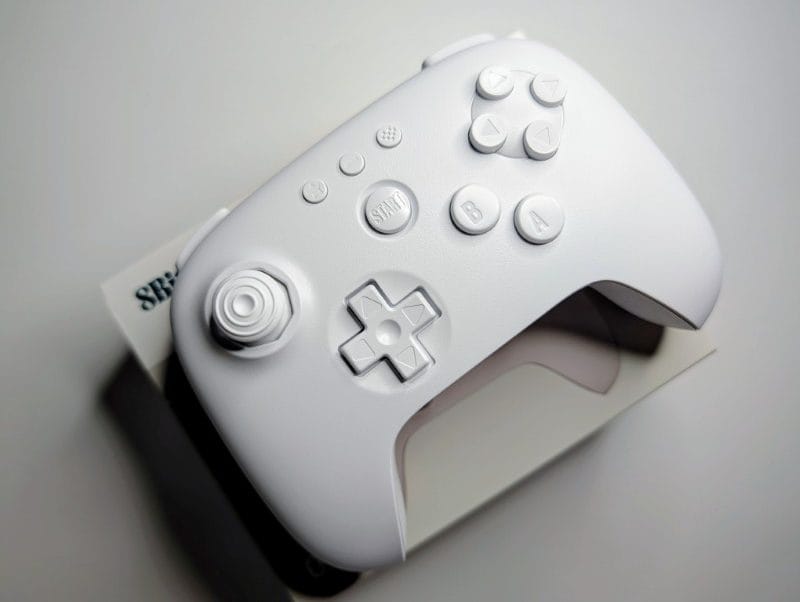
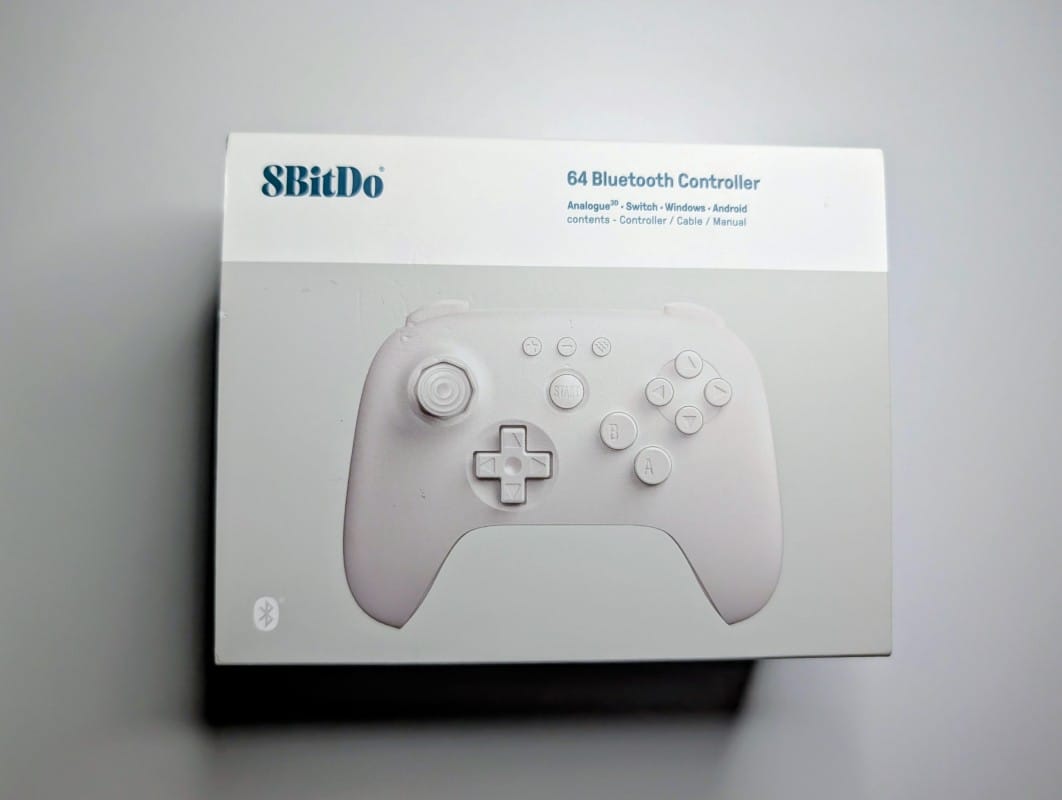
For Analogue 3D, the chosen controller is the 8BitDo 64.
Design – don’t expect the original trident
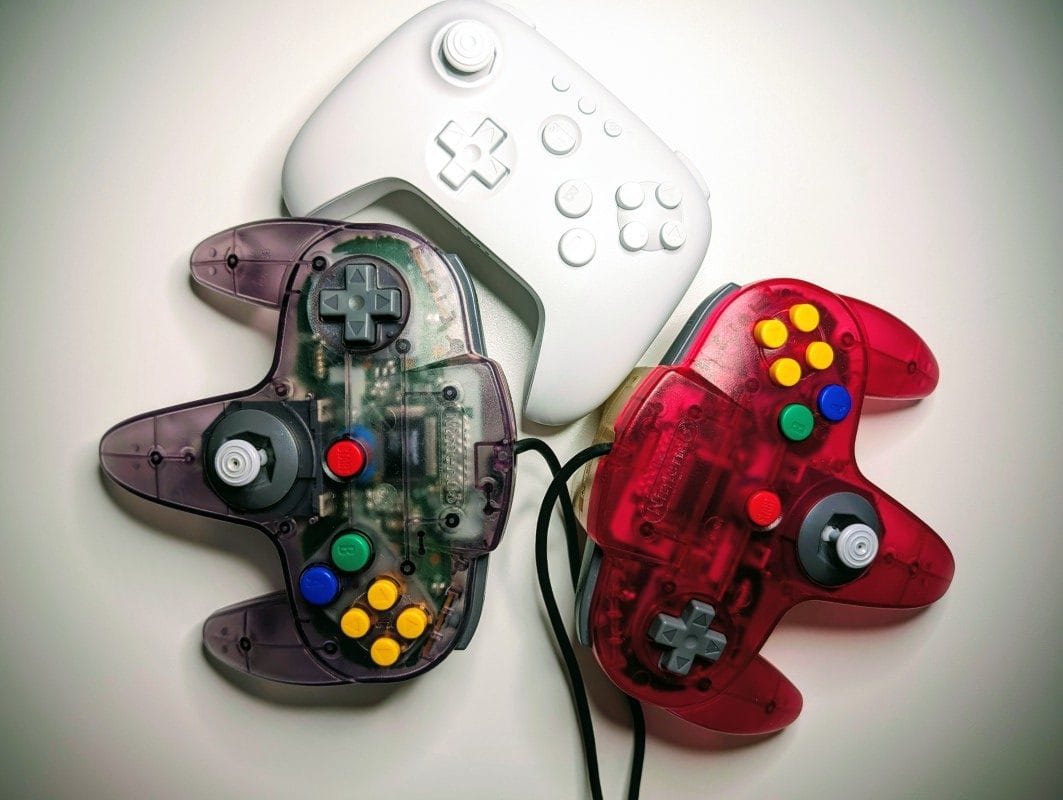
If you’re familiar with the original Nintendo 64 controller, don’t expect this one to follow the same “trident” design and shape.
And that’s perfectly logical when you consider a few things:
- Analogue produces limited-edition consoles in small batches.
- A controller designed exclusively for Analogue 3D wouldn’t justify the effort and production cost.
From a design perspective, the 8BitDo 64 is broadly similar to the modern line of 8BitDo Ultimate controllers — stylistically close to a Nintendo Switch controller.
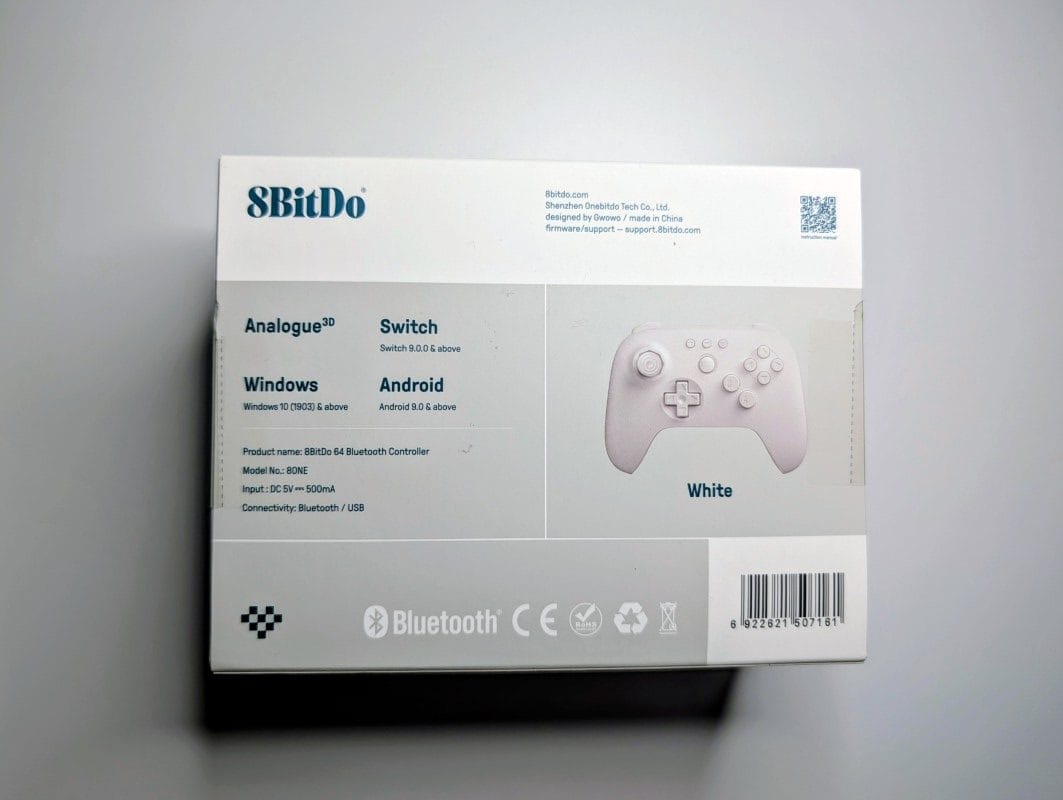
For Analogue 3D, 8BitDo only added the necessary software functionality and Bluetooth communication, since the same controller can also be used with a Nintendo Switch or a PC.
Available colors
The controller is available in only two colors: white or black, unlike the original Nintendo 64 controllers known for their rainbow-like variety.

There are, however, some reports suggesting that early next year we might see a more colorful 8BitDo 64 — with buttons styled after the classic Nintendo 64 controller.
Materials and feel in hand
The materials used are high quality and don’t feel like cheap plastic.
The grip is good, and the buttons are large enough to be comfortable even for players with bigger hands.
The package doesn’t include a Bluetooth adapter for devices that lack one — it contains only the controller and a USB-C charging cable.
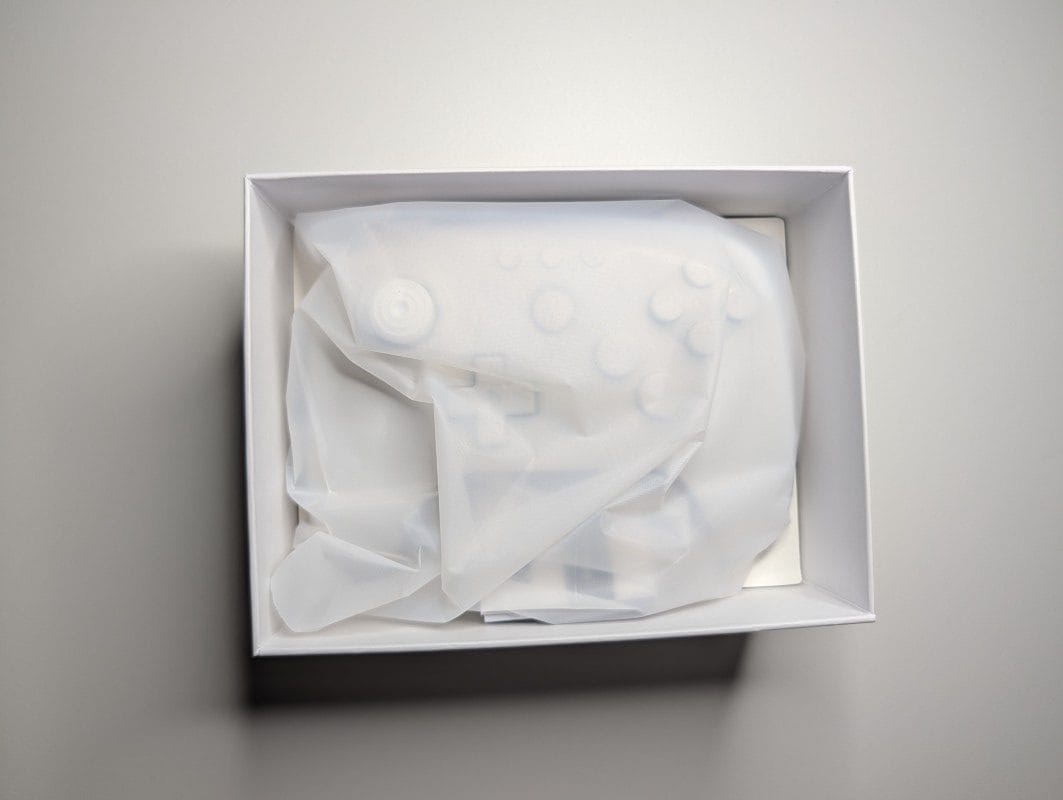
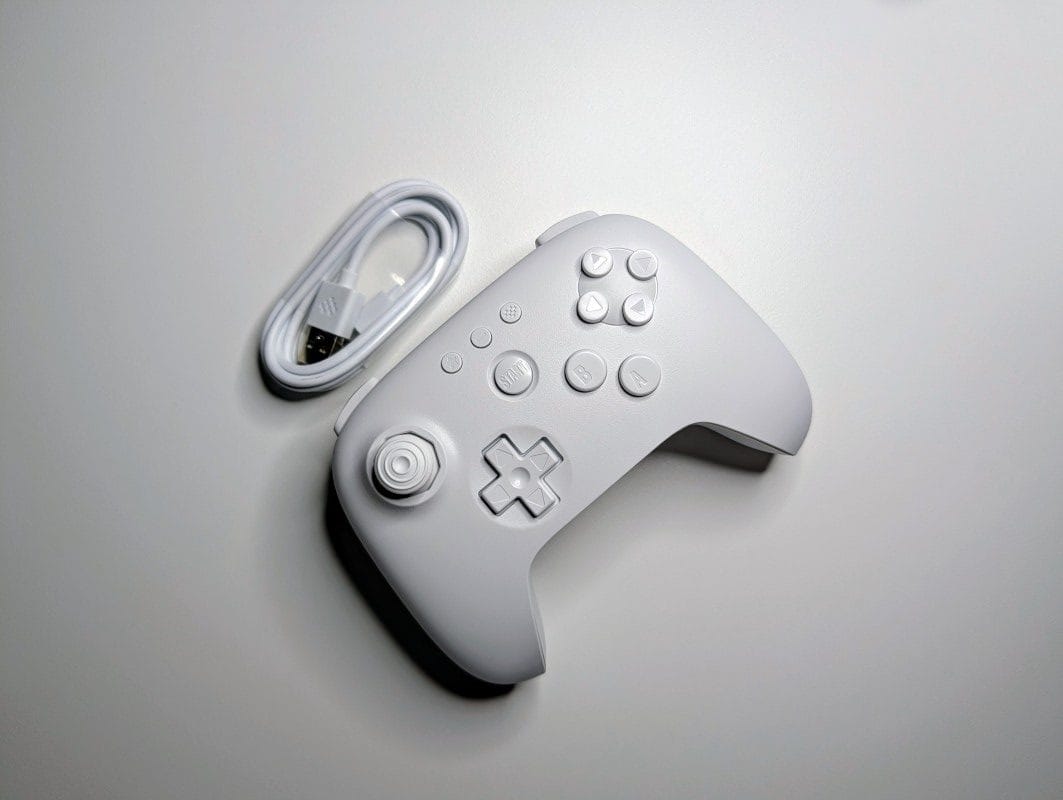
Connectivity and pairing
The 8BitDo 64 communicates via Bluetooth and can be paired with:
- the Nintendo Switch console
- a Windows PC
- of course, the Analogue 3D console
Since the Switch requires a specific connection mode, the back of the controller includes a small switch that toggles between two modes, S and D.
S is for Nintendo Switch, while D is for Analogue 3D and Windows / Android.
Pairing is done using the dedicated button next to the USB-C port.
After the first pairing, the controller automatically reconnects to the last device used.
Software and firmware updates
8BitDo provides an official PC tool that allows users to check for and install firmware updates. If a new version is available, the tool will handle the update.
This is uncommon in the industry, as most controllers remain stuck with whatever software they shipped with.
However, it’s worth noting that the configuration and update software is not mature:
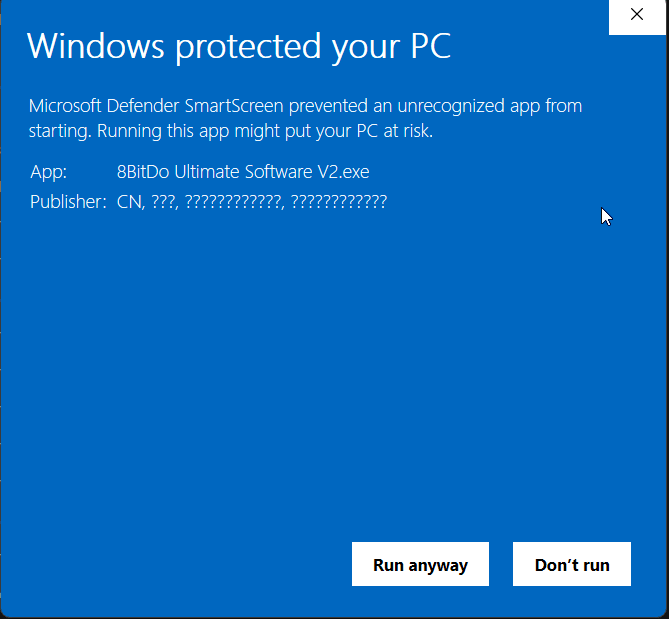
- First, it’s not properly signed, so Windows will warn you that the software is unsafe when you try to run it.
- Then, the software itself has some basic shortcomings: it doesn’t specify whether the firmware update must be done via cable or if Bluetooth works too.
I tried updating over Bluetooth — it didn’t work, and the software didn’t give any error. It simply sat there in upgrade mode indefinitely.
After plugging it in with a cable, the firmware update completed quickly, in just a few seconds.
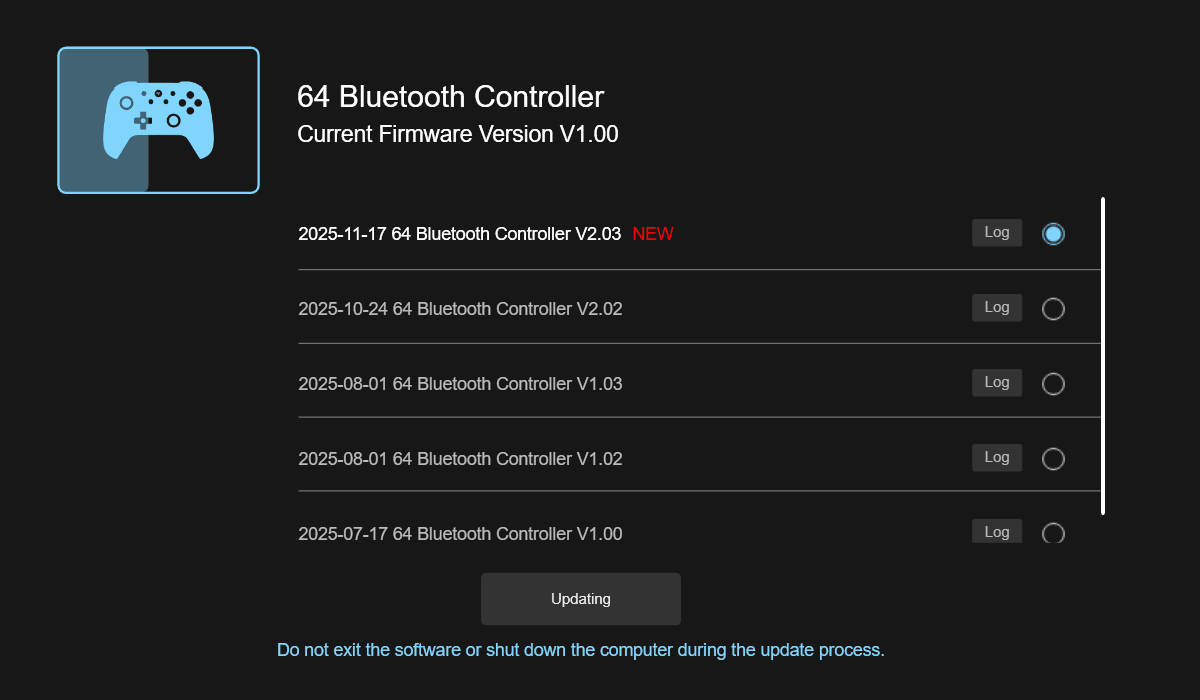
You also can’t see the current firmware version on your controller — you only get a small exclamation mark when a new version is available.
During the upgrade process, all the buttons in the software remain active; nothing is greyed out. This makes it unclear whether the upgrade is running, frozen, or if you’re allowed to do anything else in the meantime.
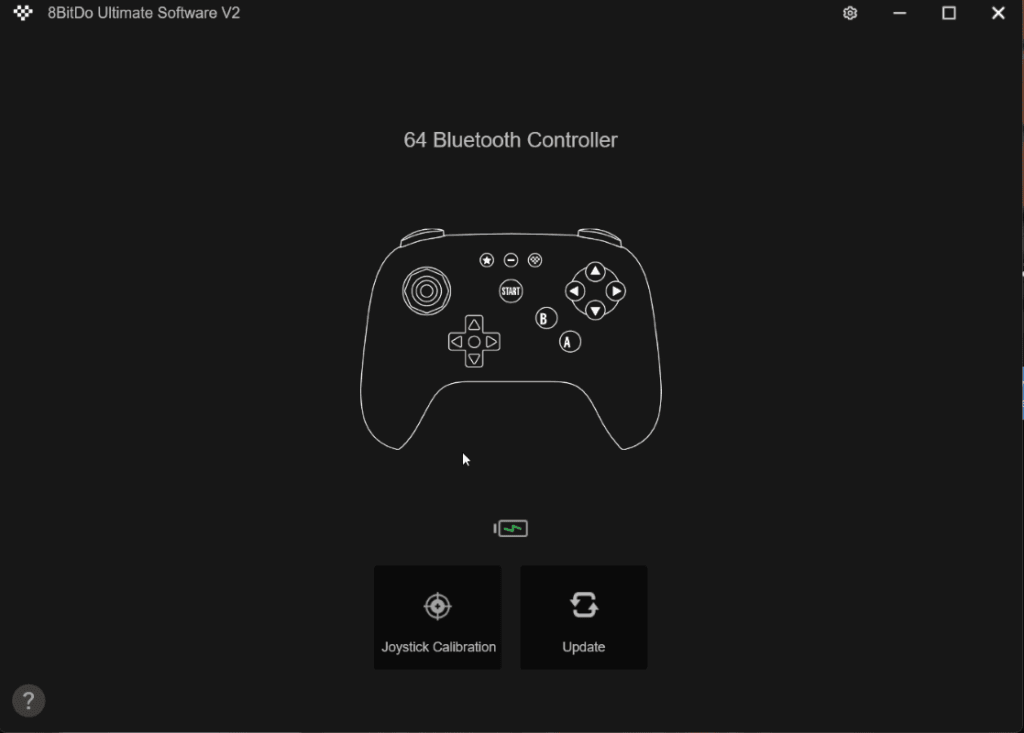
It’s obvious at first glance: the software is not mature enough.
The latest firmware available is from November 17 — which likely means it was released specifically for Analogue 3D to add joystick calibration mode.
Beyond the dedicated Nintendo 64 buttons, the controller has a few of its own: the D/S mode switch mentioned earlier and another one typical of 8BitDo controllers, marked with a pixelated heart.
On the Analogue 3D console, this opens a dedicated on-screen menu, but on PC, under Windows, this menu does not exist.
The minus button is specific to the Switch and opens its options menu, while the star button is 8BitDo-specific and triggers internal functions such as turbo mode on this “64-style” controller.
User experience
The controller is smaller than the original Nintendo 64 controller, and some controls are positioned differently.
Still, if you’re familiar with modern controllers, you’ll adapt quickly.
For Nintendo 64 purists, this might be an issue — it differs quite a lot from the original, and muscle memory may interfere with games you’ve played extensively on N64.
Personally, I think it’s a great compromise between functionality, design, and quality.
And for those who prefer the old feel, the original wired N64 controllers can still be used.
