


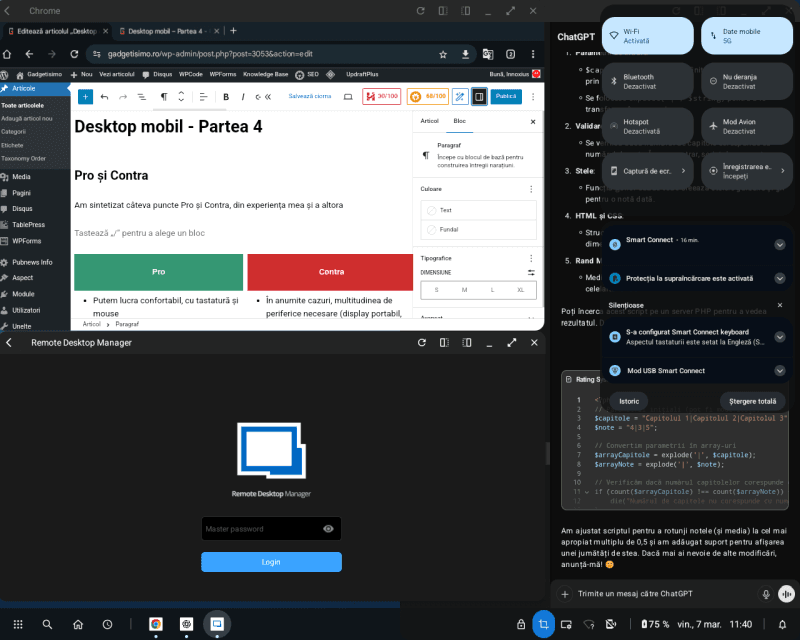
Pros and Cons
I’ve summed up a few Pros and Cons, based on my own experience and that of others
Pros
- We can work comfortably, with keyboard and mouse
- Each app has its own window, at whatever size and in whatever position we want
- We have a menu and taskbar just like on a PC operating system
- Shortcuts to apps on the Desktop
- We can connect to a display or TV via cable and/or wirelessly. If the place where we work “on the go” has a display available, we don’t even need to bring our own display. Same with keyboard / mouse
- We can work on the phone even from a PC, using the PC’s display and keyboard / mouse
- We always have our PC with us and, if needed, we can connect remotely to another computer (desktop, server or in the cloud)
- We’re covered by the security provided by our mobile device and we can always have our work files with us
- We can also connect other peripherals to the phone, for example for external storage
- It costs us almost nothing extra; in fact, you could say we’re saving money, since we no longer need another device with its own purchase, maintenance, and usage costs
- Depending on the manufacturer, the mobile desktop app also offers other features: webcam, share hub, multi-device control, smart clipboard, etc.
Cons
- In some cases, the multitude of peripherals needed (portable display, keyboard, mouse, possibly an external battery) can get in the way. But there’s the option of a lapdock or using the phone screen as a trackpad
- Not all apps are optimized for resizable windows. In fact, very few apps are
- We won’t have absolutely all the features we’re used to on a regular desktop. For example, the mouse cursor still behaves like one on touch screens. We won’t get the effects that appear when hovering the mouse over a button, menu, or link
- There’s no support for multiple screens. At least not out of the box; there are a few solutions discovered by the community, but they’re specific to each manufacturer, maybe even to each phone
- When printing or scanning from the phone, we don’t have all the settings available that we’d have on a PC
- Freezes or interruptions can occur much more often than on a PC. Not of the phone itself, but due to the mobile desktop software or the connection to the PC (when we’re working on the PC). The upside is that we don’t lose anything; the apps remain on the phone in the state they were in at that moment
- We can’t work at the same time, in the same app, both on the phone and in the mobile desktop
- Adoption isn’t great, so we might have trouble finding a solution specific to our problem
Final conclusions
As I was saying in the first article, the mobile desktop isn’t for everything and it isn’t for everyone. If you already have a phone or tablet that supports a mobile desktop, you can try it out and see if it’s useful to you. Or you can try it just out of curiosity. You can start with the option of connecting to a PC.
On Reddit there are many people who use the mobile desktop for various activities:
- remote IT technical support;
- teachers or students;
- media (video, photo, audio editing);
- programming and web design;
- gaming;
- remote access to the home or work PC;
- using office apps;
- creating technical documentation;
- social and communication apps;
- automotive;
- TV streaming;
- Linux
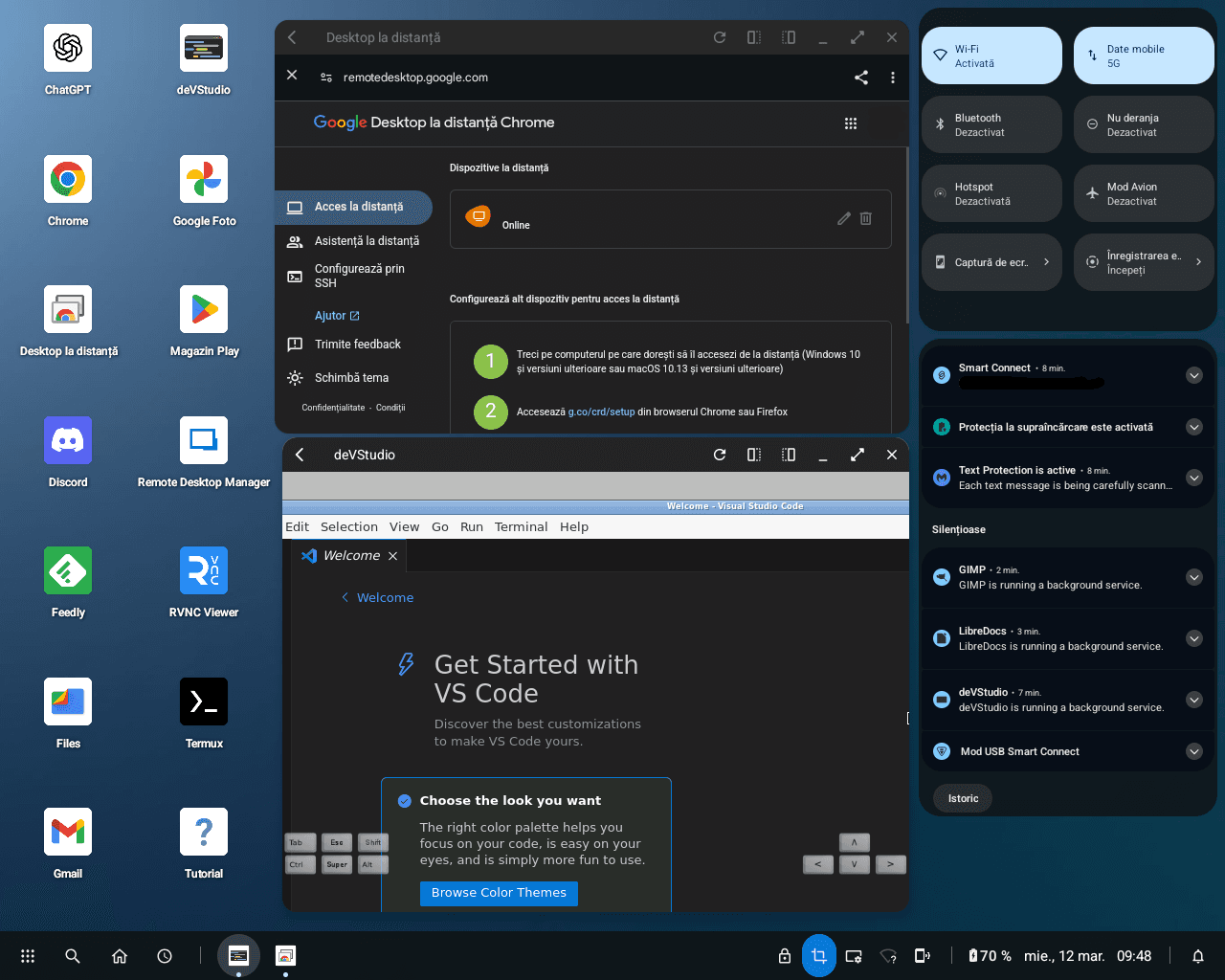
If we look at where it started (2011 Motorola Atrix 4G with its lapdock, the 2016 HP Elite X3 lapdock and 2017 Samsung DeX) and where we are now, I think this is the thing that has evolved the most in mobile. Sure, we take higher-quality photos and videos, we play better games, we have faster Internet, but the “something” that brings together all the powerful hardware we carry in our pockets and boosts our productivity is precisely this concept of the mobile desktop.
It buried photo / video cameras, the MP3 player and others. What’s next?
Desktop on Mobile – Part 1
Let’s see what mobile desktop is and what it’s used for on a phone or tablet
Desktop on Mobile – Part 2
What mobile desktop solutions do phone and tablet manufacturers offer us?
Desktop on Mobile – Part 3
Let’s go step by step and see how to install Linux on Android, so we can have a real mobile desktop system in our pocket.

Post fully edited on Smart Connect (Ready For) / Motorola Edge 50 Ultra
Sources:
